

Okay, so check this out—I’ve been fiddling with every kind of hardware wallet for years. Seriously, from clunky USB sticks to sleek metal seed backups. My instinct said there was a better middle ground. Something simple, tactile, and not halfway anchored to a laptop. Something you could honestly slide into a wallet and forget about until you needed it. Wow—card-based NFC wallets deliver that. They feel almost ridiculous the first time you hold one. But they’re no gimmick.
Hardware wallets are, at their core, about keeping private keys off internet-connected devices. Short version: if the key never touches your phone or computer, it can’t be phished over the web. Medium version: hardware wallets isolate signing operations in a secure element, often tamper-resistant chips with their own operating environment. Long version—well, long version matters because attacks evolve, standards shift, and usability trade-offs affect whether you actually use the secure solution you bought or leave keys lying around on a cloud drive. My point: cold storage isn’t just a feature. It’s behavioral hygiene combined with cryptographic isolation.
Here’s what bugs me about some approaches. Many people buy a fancy hardware device and then pair it to a phone, a laptop, and three cloud backups. That defeats the point. Also, seed phrases written on paper? Fine if you live in a cave. But most of us live in apartments, travel, and sometimes host messy roommates. The reality is: security has to meet everyday life—or people won’t use it. Somethin’ has to give.
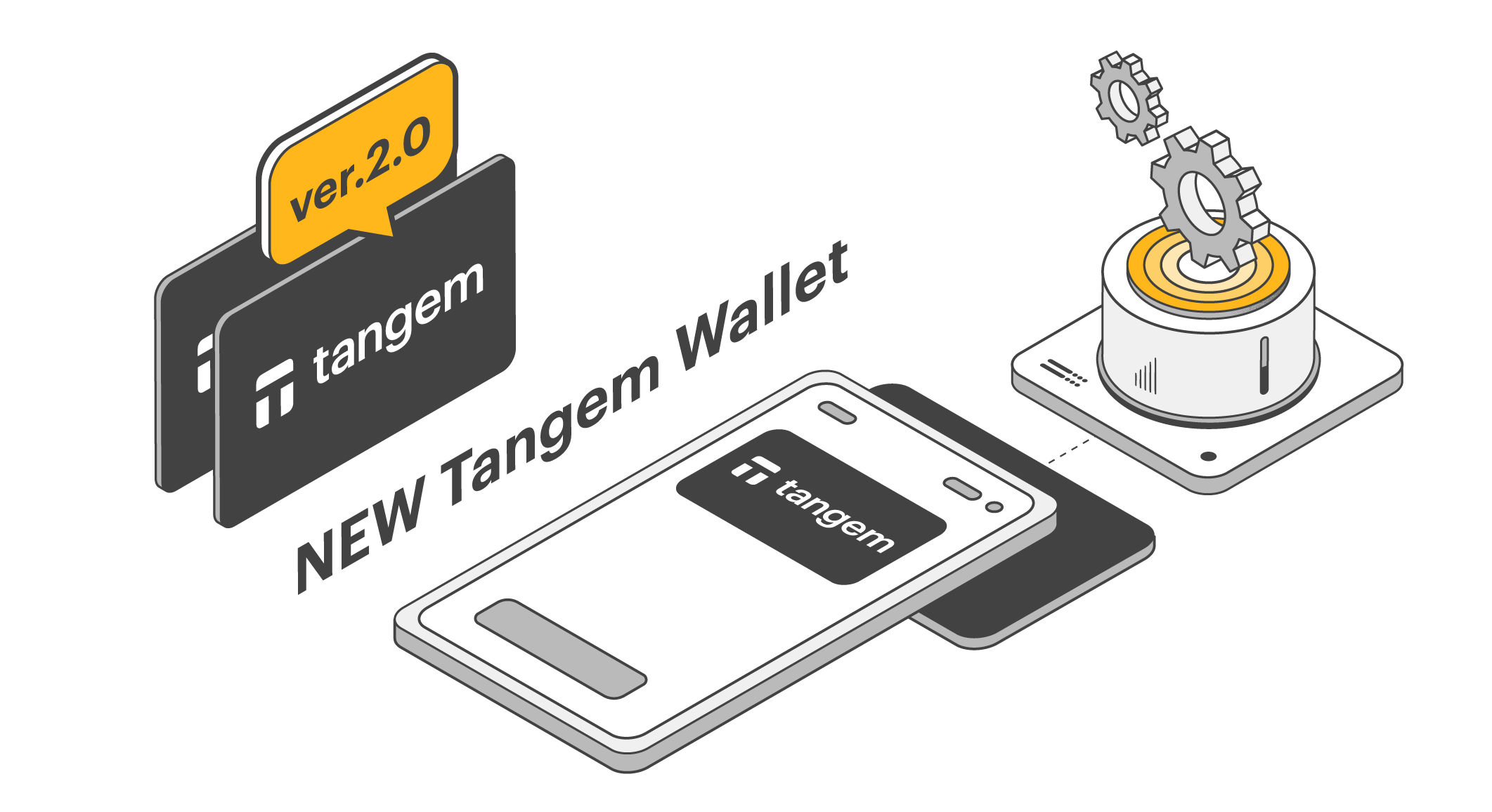
A short primer: card-based hardware + NFC = practical cold storage
Card-based wallets are exactly what they sound like—your private key lives in a credit-card-shaped device with a secure element. They use contactless NFC to establish a one-time session with your phone when you need to sign a transaction. No cable. No USB drivers. No visible key. Really convenient. But convenience alone isn’t enough. The secure element handles signing, and the card can be designed to resist physical attacks, duplication, and tampering.
On one hand, you get portability and passive storage—cards fit in a wallet. On the other hand, you still need to manage backups and recovery. Actually, wait—let me rephrase that: the card simplifies day-to-day use but doesn’t obviate a recovery plan. A single card can be lost, stolen, or damaged. So you still either need multiple cards (distributed geographically), or a traditional seed with a metal backup plate for redundancy.
I’ve used cards that felt almost consumer-grade and others that were genuinely robust. The ones that worked best balanced usability and security. They had clear pairing models, transparent firmware update processes, and recovery workflows that didn’t require advanced technical knowledge. If you’re scanning for a product, check for an auditable approach to firmware, a clear statement on where private keys are stored (they should never leave the secure element), and a recovery path that doesn’t put your seed phrase into a cloud app.
Want a practical starting point? Check this out: https://sites.google.com/cryptowalletextensionus.com/tangem-wallet/ It’s a straightforward resource on one card-based NFC wallet option I came across. I’m not shilling for everything on that page—some bits are technical—but it gives a sense of what card-style products can do and how they approach user flows and recovery. Use it as a reference, not gospel.
Hmm… a quick aside—many people ask: what about batteryless operation? NFC cards draw power from the phone during the tap. That means no battery to die, no charging cycles to manage. It also means the device can be thinner and more durable. But it does mean the phone needs NFC enabled, and some older devices may have flaky NFC stacks. Worth checking compatibility before buying a big batch of cards for a team.
Practical setup tips I learned the hard way:
- Buy at least two cards for any significant holdings. Store them in different secure locations.
- Use metal seed backups if you keep a mnemonic—paper rots, floods, and burns.
- Learn the recovery flow before you need it. Run a dry-run restore on a spare device.
- Keep firmware updates controlled. Don’t blindly accept OTA updates without reading changelogs.
One failed solution I saw: people using a single card and assuming “tamper-resistant” meant “indestructible.” Not true. On one hand, the cards resist casual attacks. Though actually, determined attackers with lab gear can sometimes extract secrets from poorly implemented secure elements. On the other hand, audited chips with active security research are a better bet. So check for a vendor that publishes security assessments or partners with recognized cryptographers.
When would I recommend a card-based NFC wallet?
- If you value portability and want a low-friction way to keep keys cold while making occasional transactions.
- If you dislike plugging devices into computers or dealing with cable-management.
- If you need an option that your less-technical family members can use with minimal hassle.
When would I not recommend it?
- If you need multisig and want multiple hardware devices from different vendors for diversity—cards can be used in multisig, but diversity can be limited unless you mix hardware types.
- If you require enterprise-level key ceremony processes that mandate air-gapped signing with physical oversight; some architectures demand more formal controls.
FAQ
Are card-based wallets as secure as dedicated USB hardware wallets?
Short answer: often comparable, but it depends. Both rely on secure elements. The difference is form factor and the attack surface of the companion app. If the card’s secure element is well-designed and the vendor publishes audits or open specs, security can be on par. The companion app’s design and the update model matter a lot.
What if my phone’s NFC fails?
Then the card can’t sign via that phone. Solution: have a second NFC-capable device, or use a wired hardware wallet as a backup. Always plan for device failure. It’s tedious but very very important.
How should I store multiple cards?
Spread them geographically if they’re backups—one at home, one in a safety deposit box, for example. Keep a tamper-evident envelope or a small metal case for each. And label them in a way that doesn’t reveal their purpose.